Create Perfect YouTube Timestamps in Real-Time
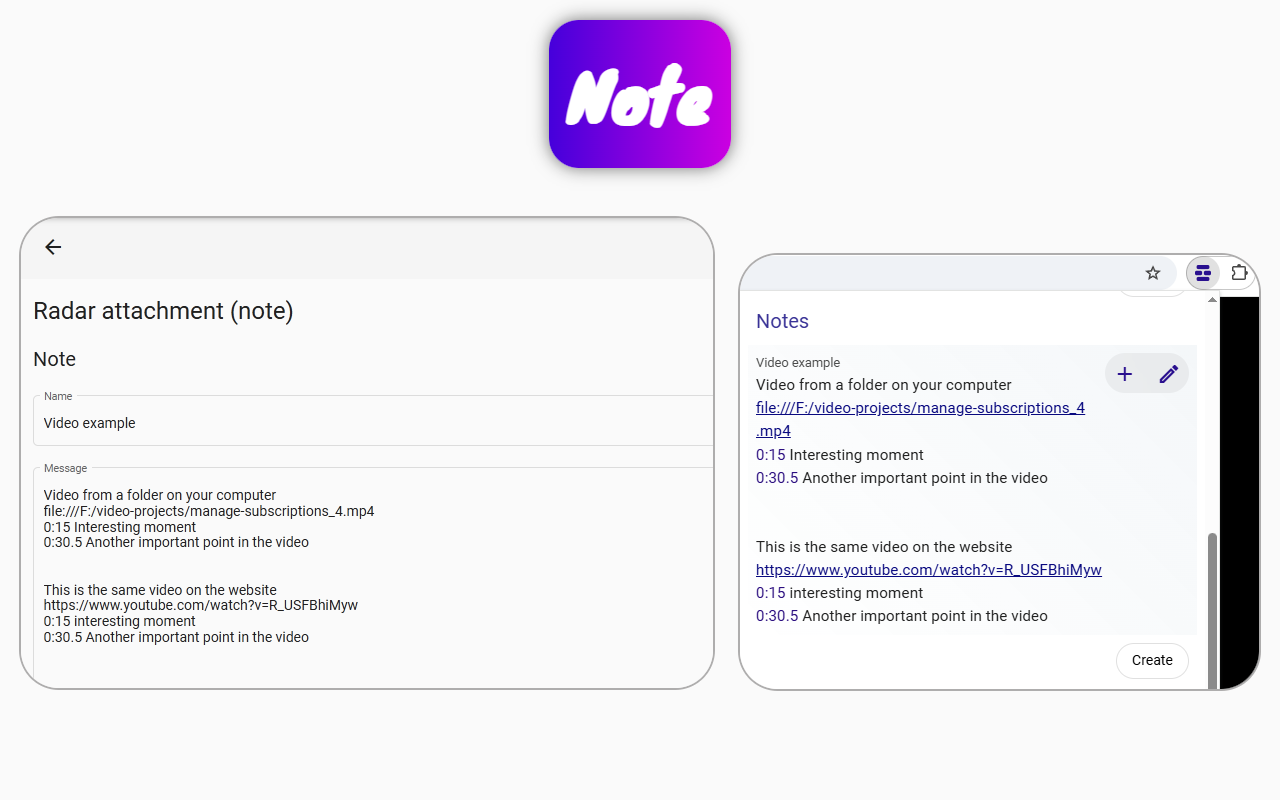
YouTube has a feature for creating video timestamps, but without practice, you can easily misplace them. With the Page context extension, you can:
- Add timestamps to your notes on the fly.
- Watch them appear in real time.
- Quickly test them on any local video to see if they work correctly.
How to create timestamps with Page context
- Create a note and write your timestamps in it.
- A preview of the note will appear below.
- Click on these timestamps to see where they lead.
- If they don’t point to the desired moment, simply correct them—they will update instantly.
The resulting text can be copied and used in your YouTube video description so that the platform correctly recognizes the timestamps. This is a core functionality of the Page context extension designed to streamline your workflow.